21languages
- English
- हिन्दी
- తెలుగు
- বাংলা
- Español
- Français
- Deutsch
- Italiano
- Português
- Română
- Polski
- Русский
- Українська
- Türkçe
- Bahasa Indonesia
- Tiếng Việt
- ไทย
- 日本語
- 한국어
- 简体中文
- 繁體中文
Smart finance companion
Log it with Siri or in three taps. Expenses and income, budgets, loans and EMIs and reports — in 21 languages and 20 currencies, with your financial data stored on your device.
New · Siri & voice entry
“Hey Siri, log expense in Kentrove.”
Hands full at the market? Log the expense by voice and walk on. Siri asks only for what it needs, saves it, and can tell you how your budgets are doing.
Log a Groceries expense in Kentrove
Log income in Kentrove
Create a Groceries budget in Kentrove
How much have I spent on Groceries in Kentrove
How much is left in my Groceries budget in Kentrove
When is my next EMI in Kentrove
Move money in Kentrove
Add a bank account in Kentrove
Show my budgets in Kentrove
Undo my last Kentrove entry
Siri phrases work in the languages Siri supports; spoken follow-up questions are in English. On Android, tap the mic in the app to speak an entry. Recording while your phone is locked is optional and off by default. Siri is a trademark of Apple Inc.
Made for everywhere
The app picks your local currency and formats amounts and dates the way you write them — in your own language.
Features
Comprehensive tools for complete control over your finances, on iOS and Android.
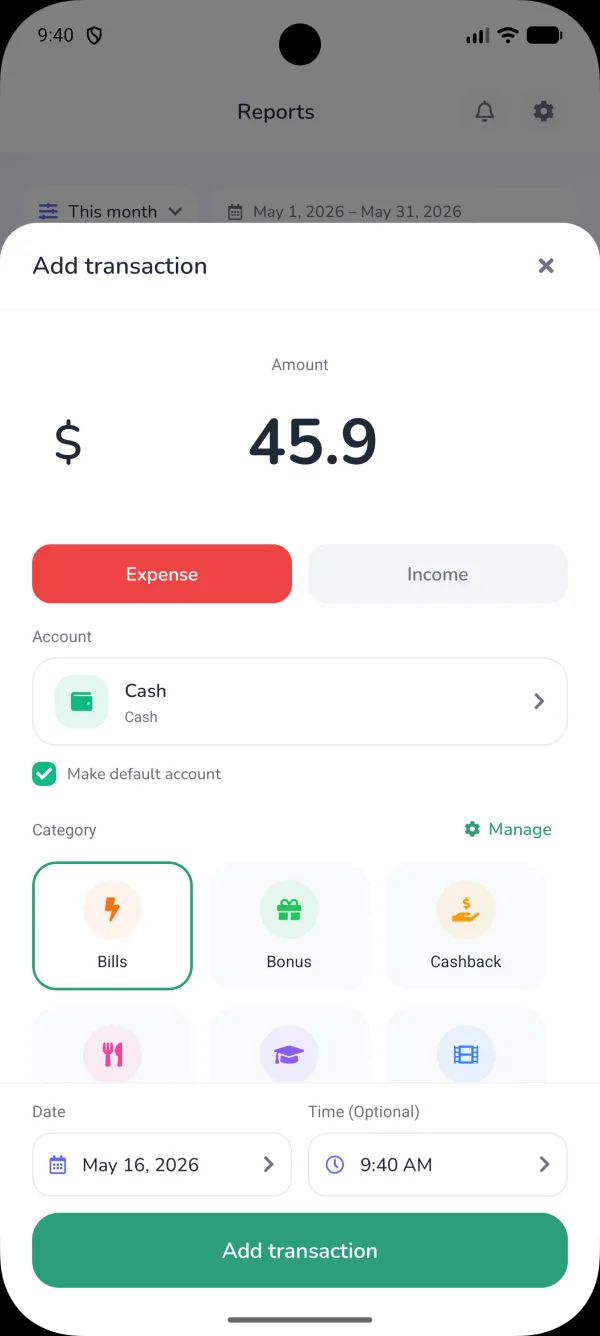
Add a transaction in seconds with custom categories and multiple accounts.
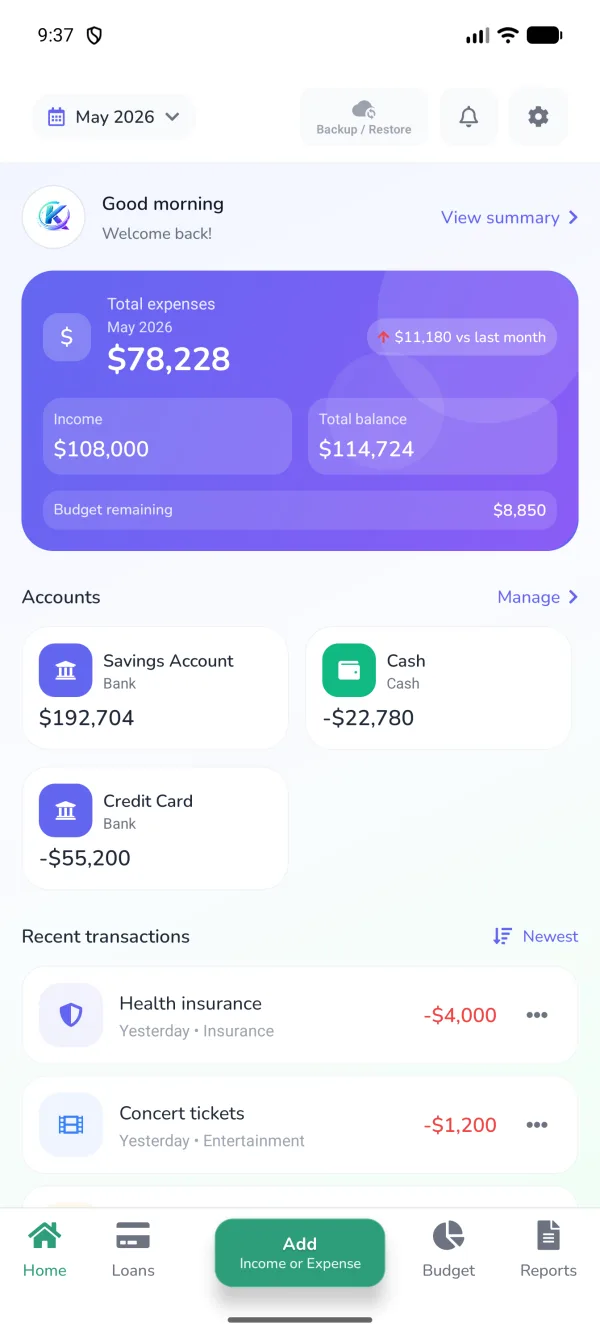
Total expenses, income, available balance and every account at a glance.
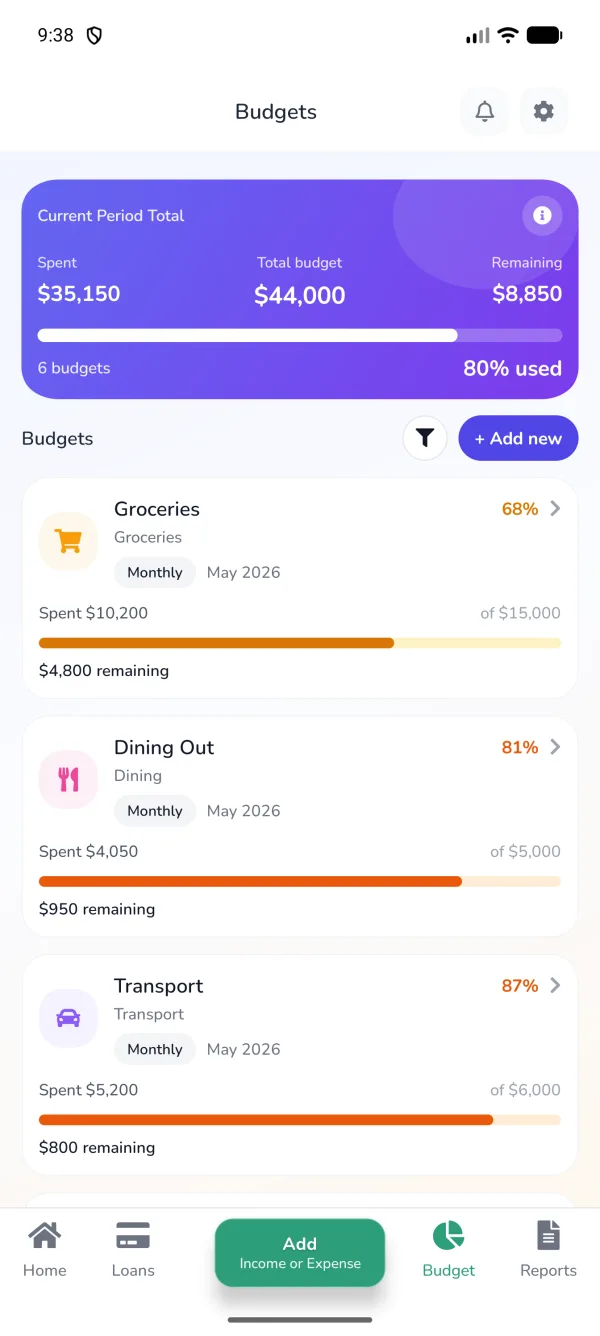
Set budgets per category and watch your progress, so you never overspend.
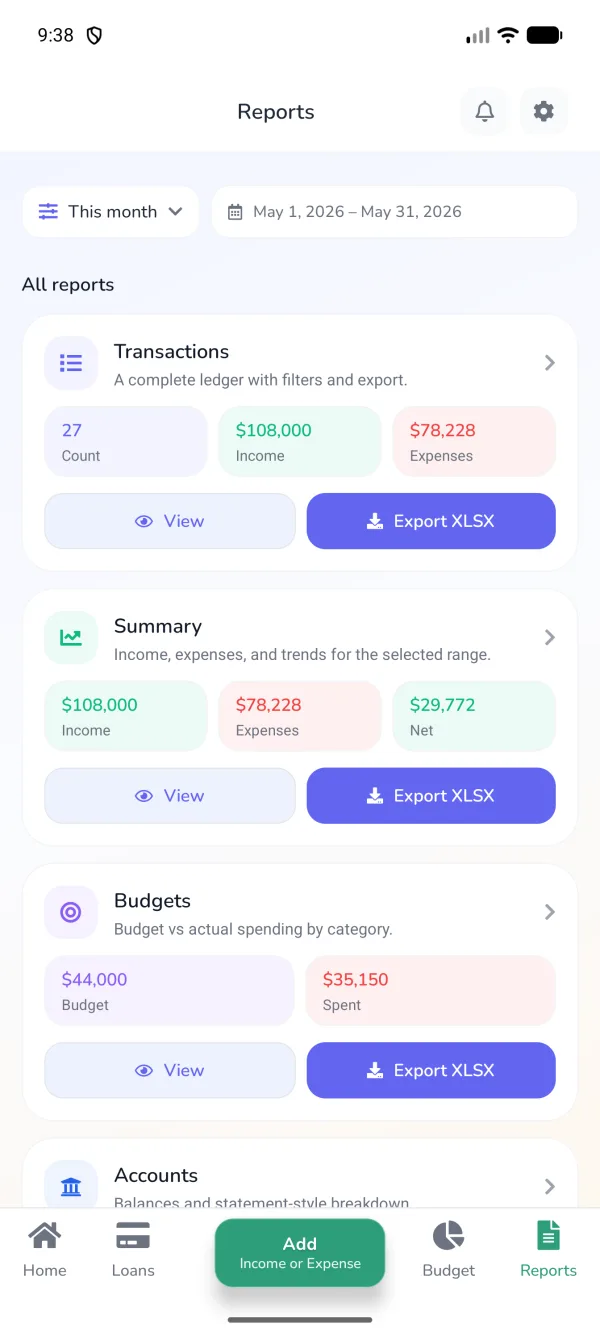
Transaction history and category summaries for any date range, ready to export.
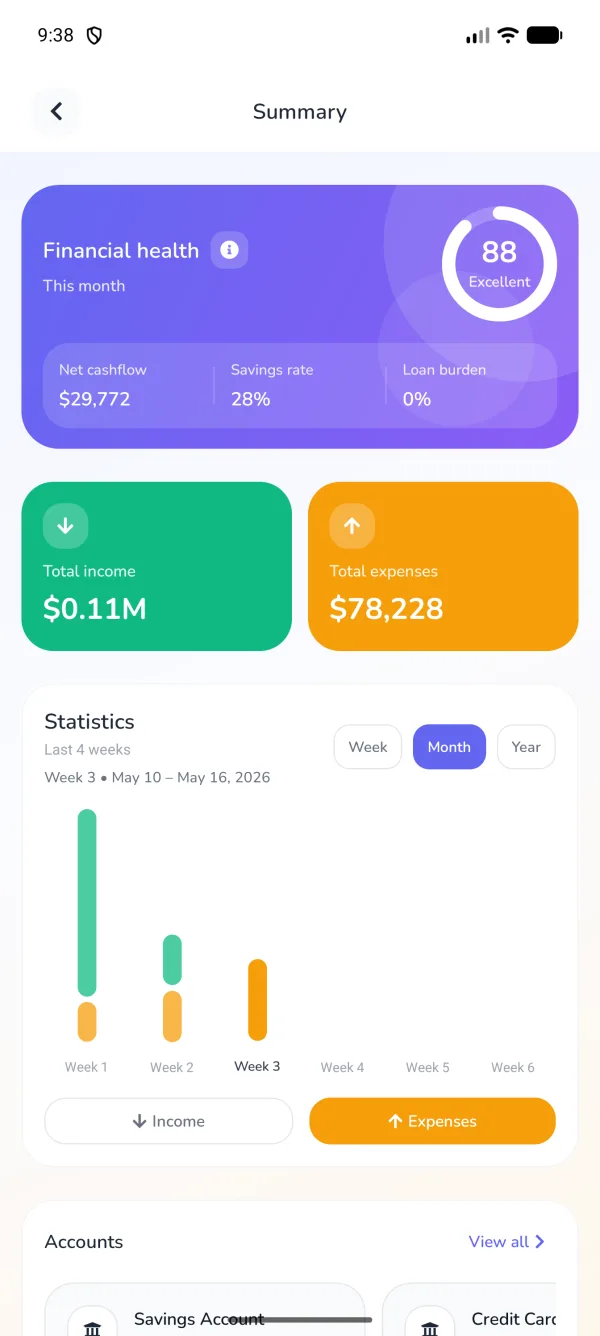
Understand your spending patterns with charts and a financial health score.
And more
Track loans and EMIs with progress indicators, due-date reminders and a total overview.
From ₹ and $ to €, ¥ and ₩ — the app picks your local currency and formats amounts the way you write them.
Use the app in your own language, with numbers and dates formatted for your region.
Tap the mic and speak on iPhone or Android — Kentrove fills in the amount, category and account.
Weekly and monthly summaries to review your money, and reminders so you never miss a payment.
Your financial data stays on your device and the app works without an internet connection.
Optional encrypted backup to iCloud on iPhone or Google Drive on Android. You choose.
Screenshots
Financial data is stored on your device, the app works offline and cloud backup is optional. Read exactly what is processed and how to delete it.
FAQ
Yes. The app is free to download on the App Store and Google Play.
On your device. You can optionally turn on an encrypted backup to iCloud (iPhone) or Google Drive (Android) so you can restore it on a new phone.
Yes. Adding transactions, budgets, loans and reports all work without an internet connection.
The app is available in 21 languages, including English, Hindi, Telugu, Bengali, Spanish, French, German, Japanese, Korean and Chinese, and supports 20 currencies, including the US dollar, euro, pound, rupee, yen, yuan and won.
Yes. Reports can be exported as XLSX spreadsheets or PDF documents for any date range.
Yes, on iPhone with iOS 16 or later. Say "Hey Siri, log expense in Kentrove" — Siri asks for anything it needs, such as the amount or category, and saves it. You can also ask how much you've spent, check a budget, move money between accounts and undo the last entry.
Yes. Tap the mic inside the app and speak your expense or income. The spoken follow-up questions are in English; other app languages use the standard voice parser.
Use the delete option inside the app, or follow the steps on our Delete Account page. Data stored only on your device is removed when you uninstall the app.
Still stuck? Contact us · Terms & Conditions
Free to download on iPhone and Android.